
3 months
$25USD
About $0.27 per day
- +35,000+ international live channels
- +179,000+ movies and series on demand
- +SD, HD, Full HD, 4K and UHD options
- +Anti-buffer infrastructure
- -No bonus month on this plan
- x+$5 optional adult channel package
Explore international live channels, major sports categories, movies, series, and catch-up options in one device-friendly service. Install a compatible player on Smart TV, Firestick, mobile, or computer and get clear setup help when you need it.
Choose reliability and a complete viewing experience for $59 per year - about $0.16 a day.
+ Friendly support, day and night - Messages accepted anytime















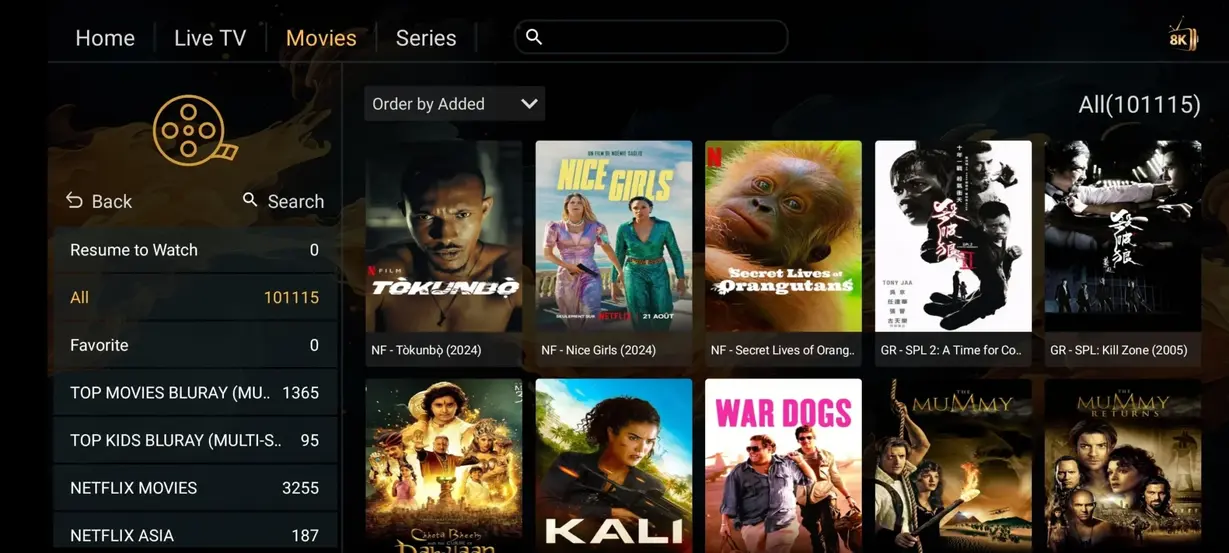
Browse a large on-demand library with search, categories, seasons, and playback controls that vary by player. Posters below are interface examples from the supplied catalog assets; titles and availability can change.










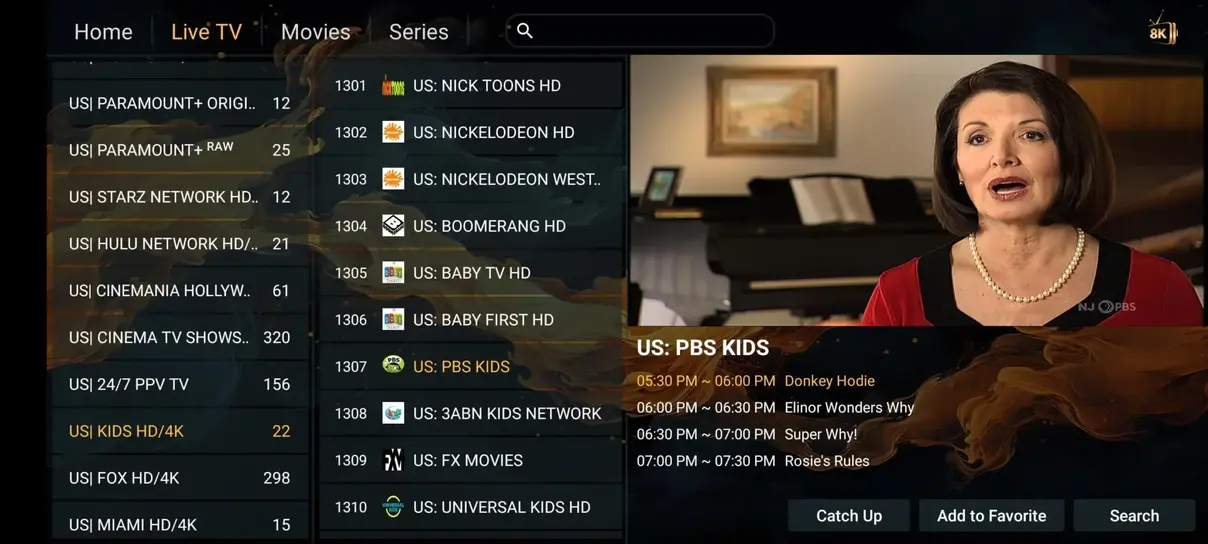
Use sport groups, event categories, search, favorites, and the electronic program guide to locate scheduled action. Feed availability and picture quality depend on the event source and connection.












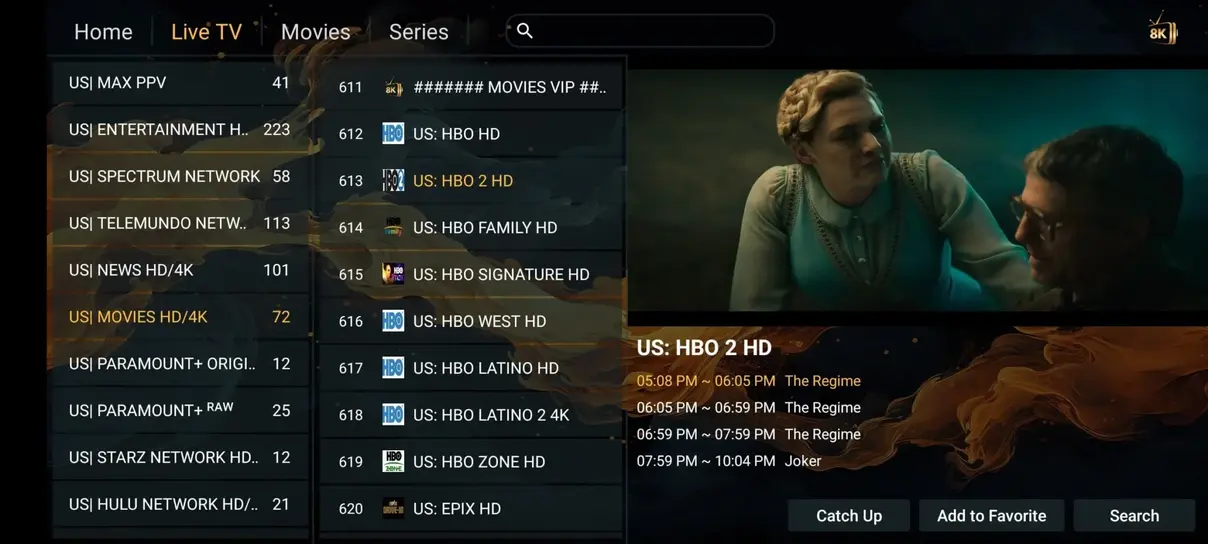
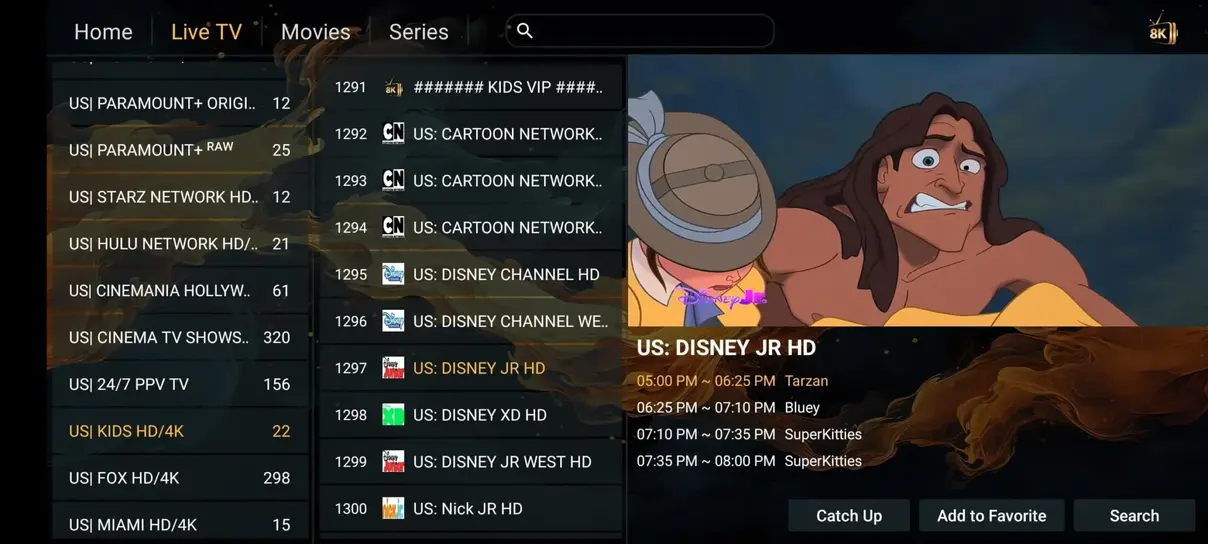
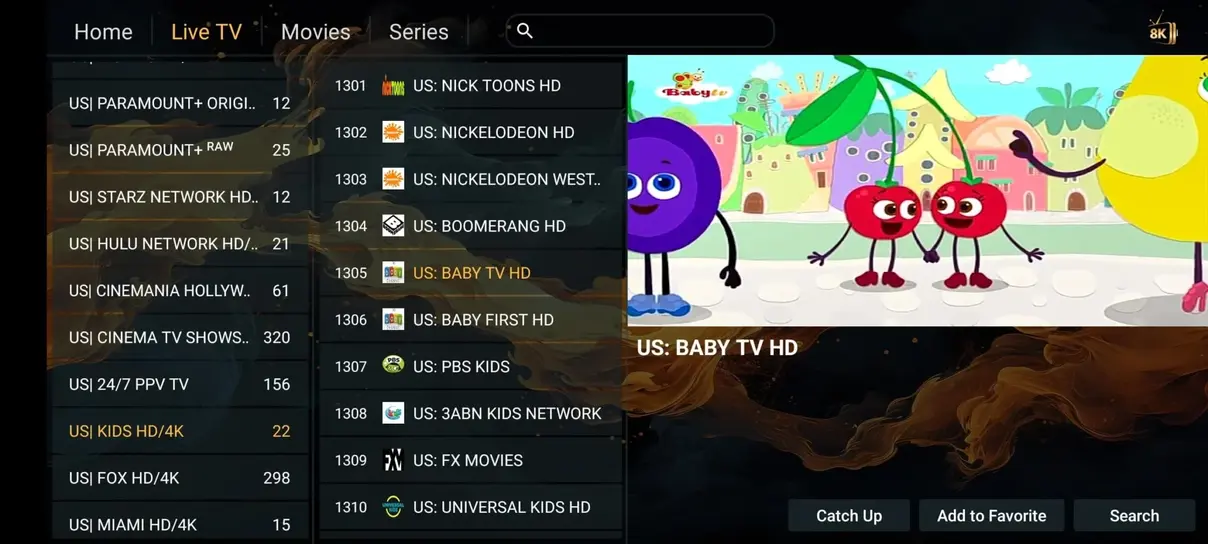
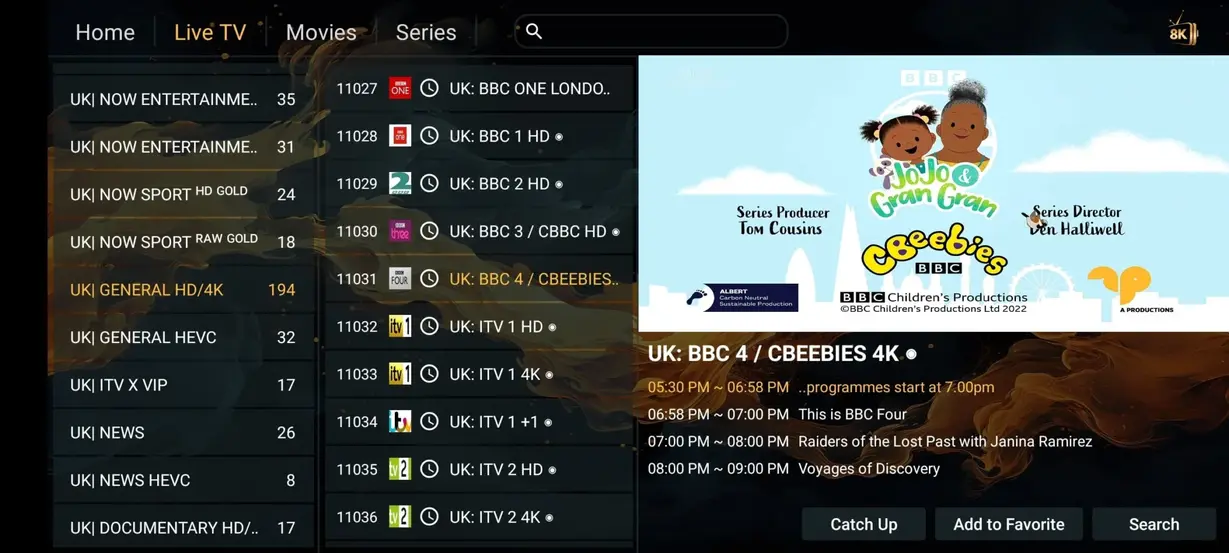
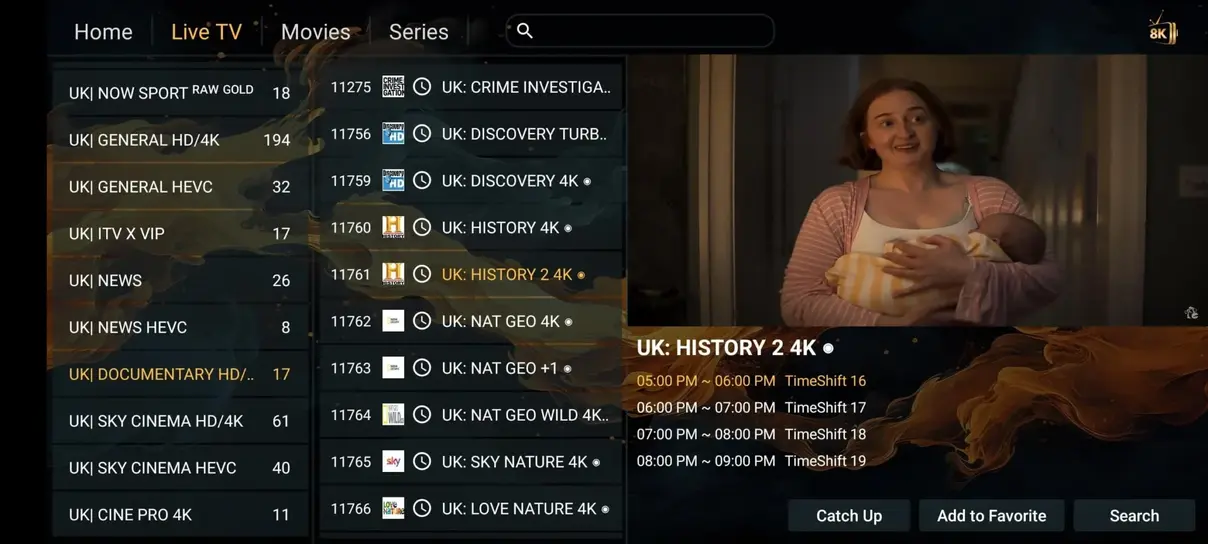
These supplied screenshots illustrate common playlist, guide, search, catch-up, movie, and series layouts. The exact interface is controlled by the player you choose.
This dark interface mockup demonstrates how a television player can organize Live TV, Movies, Series, and Radio. Hot Player is a third-party app; layouts, versions, and licensing are controlled by its publisher.
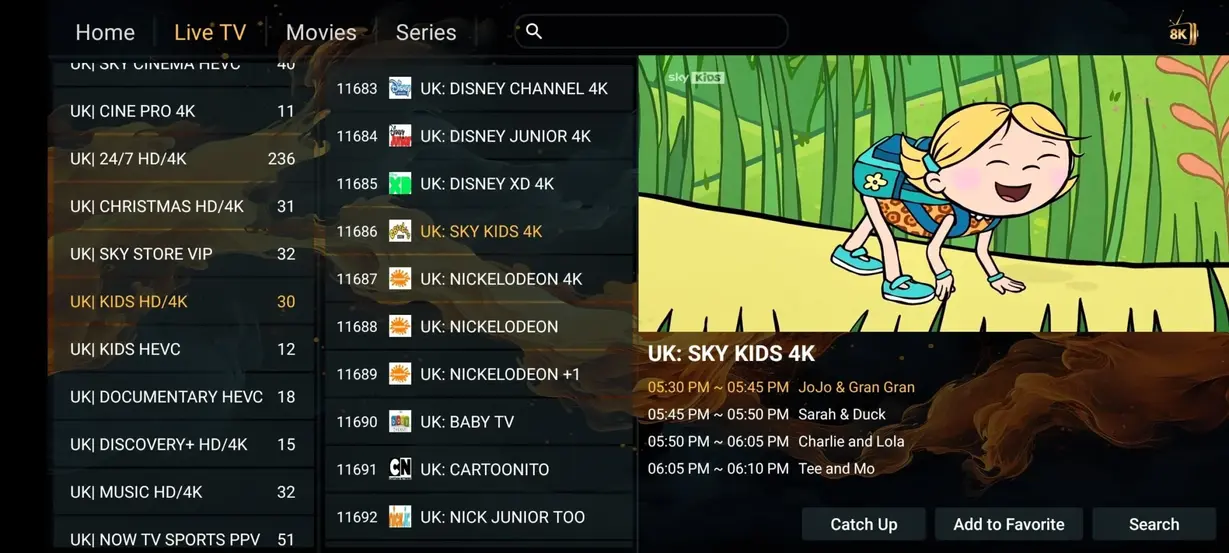
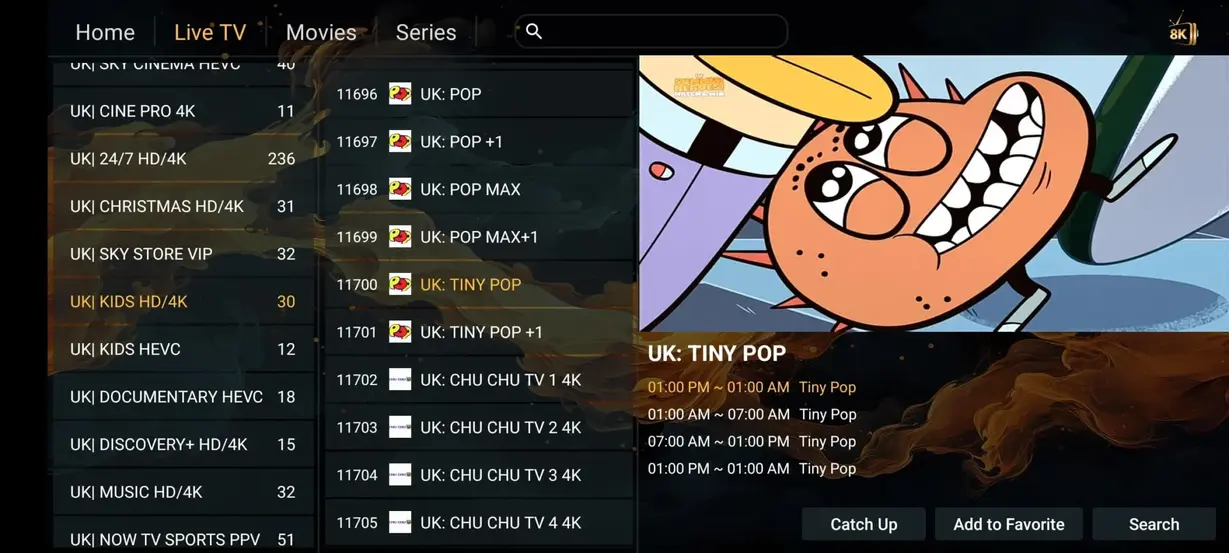
The comparison uses the configured annual plan and general cable ranges. Actual cable prices, channel counts, contracts, and local availability vary by provider and location.
| Comparison | Lemo IPTV | Cable or satellite |
|---|---|---|
| Annual cost | ✓$59/year | $1,200+/year |
| Live channels | ✓35,000+ | Typically 200–500 |
| Movies & series | ✓179,000+ | Often extra |
| Adult package | ✓Included with annual plan | Varies or unavailable |
| 24/7 channels | ✓1,000+ category | Limited |
| Sports categories | ✓Included | Often extra |
| Long contract | ✓No | Often required |
| Watch while traveling | ✓With internet | Usually limited |
Every plan includes access for one active screen, device setup guidance, and the same core catalog. Longer plans reduce the approximate daily cost.
3 months
About $0.27 per day
12 months
About $0.16 per day
6 months
About $0.21 per day
1 month
About $0.39 per day - One screen

Choose Hot Player, IPTV Smarters, TiviMate, XCIPTV, IBO Player, or another compatible app from a trusted source.
Add the supplied M3U URL, Xtream Codes login, or portal details exactly as delivered after activation.
Allow the playlist and EPG to refresh, build a favorites list, and begin watching on your authorized screen.
Smart TVs, Fire TV devices, Android TV, Apple devices, computers, and supported receivers can work with an appropriate player. Recent hardware generally handles large playlists more smoothly.





These cards are illustrative customer-story examples, not real reviews or live purchase data. Use them to think through devices, sports, movies, support, travel, and multi-screen needs before ordering.
The viewer installs a trusted player, enters the supplied Xtream details carefully, and waits for the first playlist refresh before building favorites.
The household checks whether the TV app store has a compatible player, then uses Ethernet because the router is close to the television.
The viewer checks sports groups, event categories, and the EPG near start time instead of scrolling through the whole channel list.
The account holder searches by title, checks audio and subtitle options, and remembers that VOD libraries can change over time.
The customer sends the device model, app name, and exact error text so support can identify a mistyped login field quickly.
The viewer tests the hotel or rental connection first and avoids sharing the one-screen account across multiple active devices.
The family chooses a two-screen plan because two people regularly watch at the same time on separate devices.
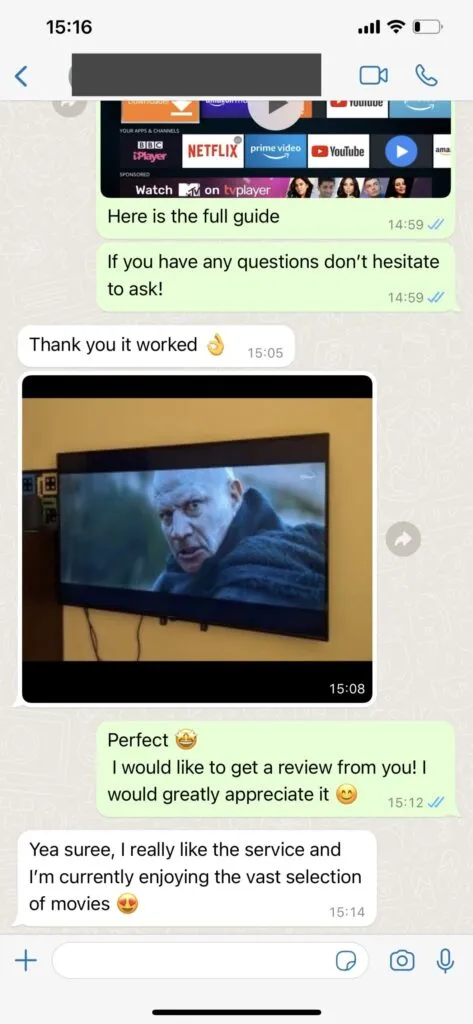
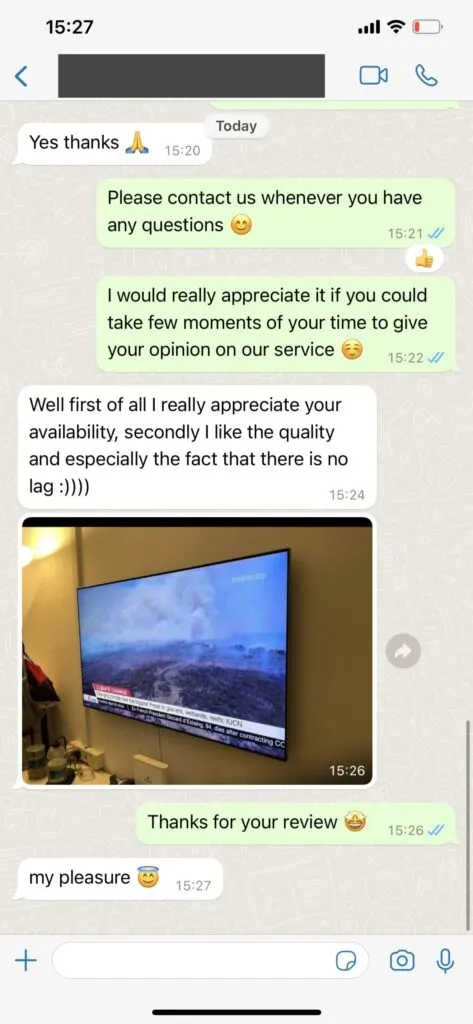
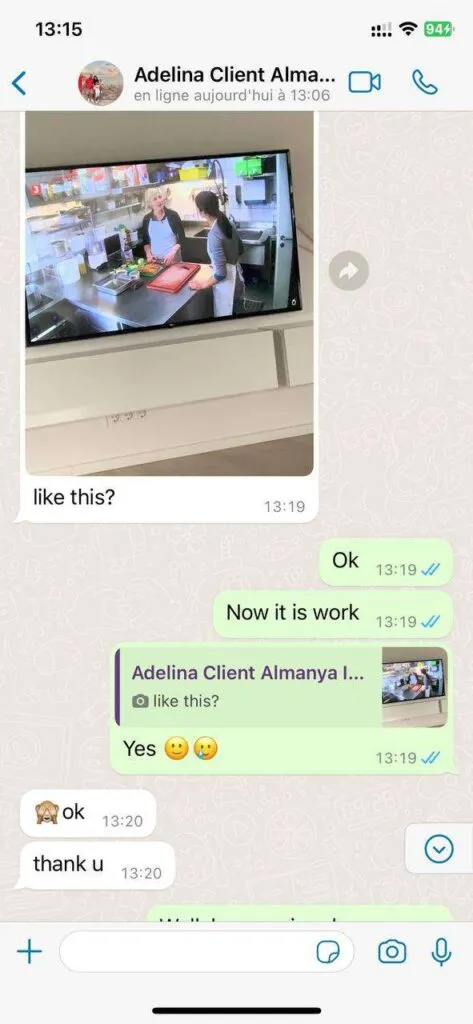
Ask a focused question and include your device model and player name. The screenshots below are active US English support examples from the supplied image library.
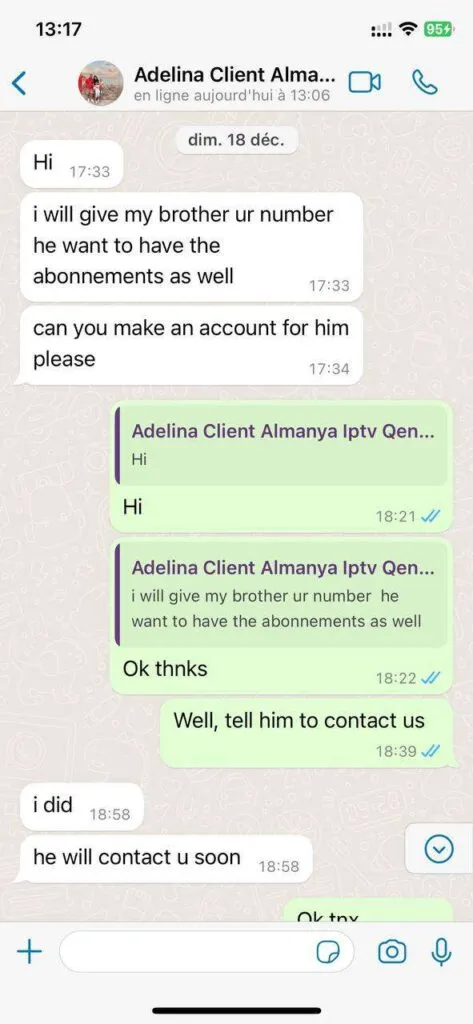
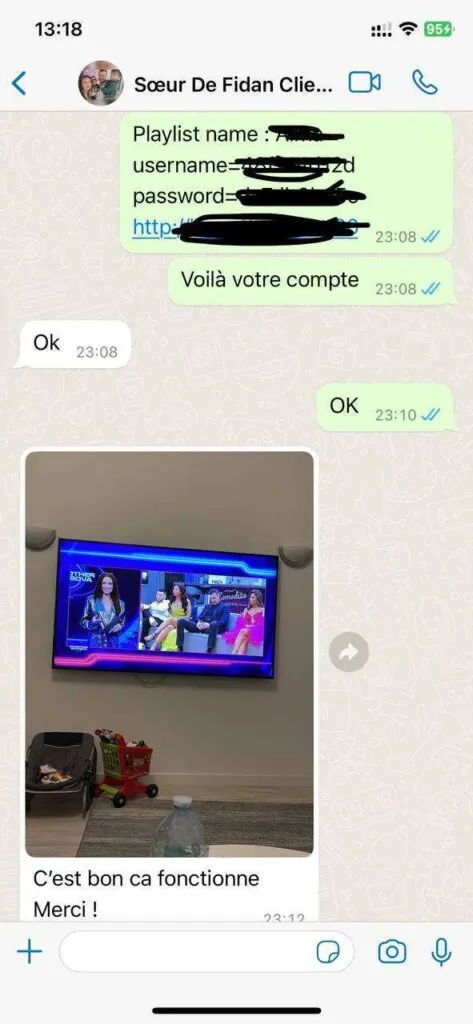
Browse large regional and genre categories, then save favorites so daily viewing does not require long scrolling.
Use VOD sections for planned movie nights, checking audio and subtitle options inside the selected player.
Match picture expectations to source quality, device capability, app settings, and available internet speed.
Open the guide to follow scheduled programs and look for replay markers where catch-up is available.
Install a trusted player on Smart TV, Fire TV, Android, Apple, computer, or supported receiver hardware.
Refresh playlists when categories change and rebuild favorites if the player reorganizes channel groups.
Check sports, motorsport, and event groups near start time, using search when a player supports it.
Send the device model, app name, and exact issue so support can answer with fewer follow-up questions.
Start by naming the television, streaming stick, phone, tablet, or computer you plan to use most often. Then confirm that a reputable IPTV player is available for that operating system. Built-in Smart TV stores can be convenient, while a recent Fire TV or Android TV device may offer faster navigation and a wider app choice. If the television is far from the router, test the Wi-Fi signal before activation or use Ethernet when practical.
For HD viewing, plan for at least 10 Mbps available to the streaming device; selected 4K feeds are better served by about 25 Mbps or more. Those numbers should remain available while other people in the home browse, play games, or join video calls. A speed test beside the television is more relevant than one taken next to the router.
Lemo IPTV supplies authorized account access and support information. The player is the software interface that imports the playlist, displays categories, maps the electronic program guide, and handles remote-control navigation. Some player publishers charge their own license fee, which is separate from the Lemo IPTV plan. Download apps from an official store or publisher source and keep M3U URLs and Xtream credentials private.
Before ordering, ask about any must-have channel, device, audio language, subtitle option, or simultaneous-screen requirement. Catalogs and source feeds can change, so a focused pre-sale question creates a better expectation than a broad promise. Read the refund policy, save the payment confirmation, and keep the activation message available during installation.
The support team is available 16 hours daily through WhatsApp and aims to handle common setup questions promptly. English is supported, with additional language help available when staffing allows.
Contact support on WhatsApp, identify the plan you want, and review the secure payment instructions sent to you. Do not pay links received from unrelated accounts.
Compatible choices include many Samsung, LG, and Sony Smart TVs, Fire TV devices, Android TV boxes, phones, tablets, Apple devices, and computers using a suitable player.
The configured catalog includes more than 35,000 international live channels and more than 179,000 on-demand movies and series. Availability can change over time.
Plan for at least 10 Mbps for HD and about 25 Mbps for 4K. Ethernet or strong 5 GHz Wi-Fi generally produces the most consistent television experience.
A VPN is not required by the service. Some viewers choose one for privacy, but it can also reduce speed, so the decision is optional.
You can generally connect while traveling when you have a stable internet connection. One-screen plans should not be used simultaneously on multiple devices.